How to override Bootstraps button without using !important rules
Frontend Web Developer | Freelancer | Web Facilitator @PHA && Proxy Coding School | TechBroda
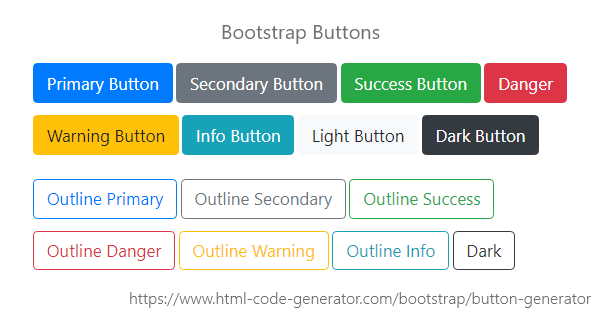
Bootstrap includes several predefined button styles, each serving its semantic purpose, with a few extras thrown in for more control.
Welcome back! and in this article of mine, I will not take your time too much with a lot of content here and there. Theory sometimes sucks! 🙄 I know.

This will be 100% practical I promise. Now let's get work done!
You need to know what is happening behind the hood in the bootstrap button.
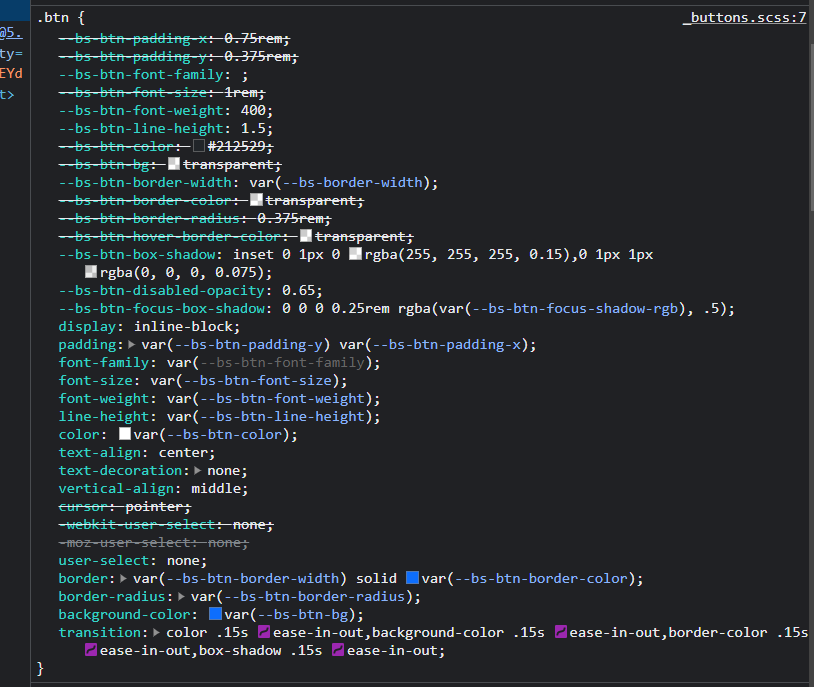
Any time you use the bootstrap .btn class
<button class="btn">Bootstrap Button</button>
You are to battle these predefined css codes 👇👇👇
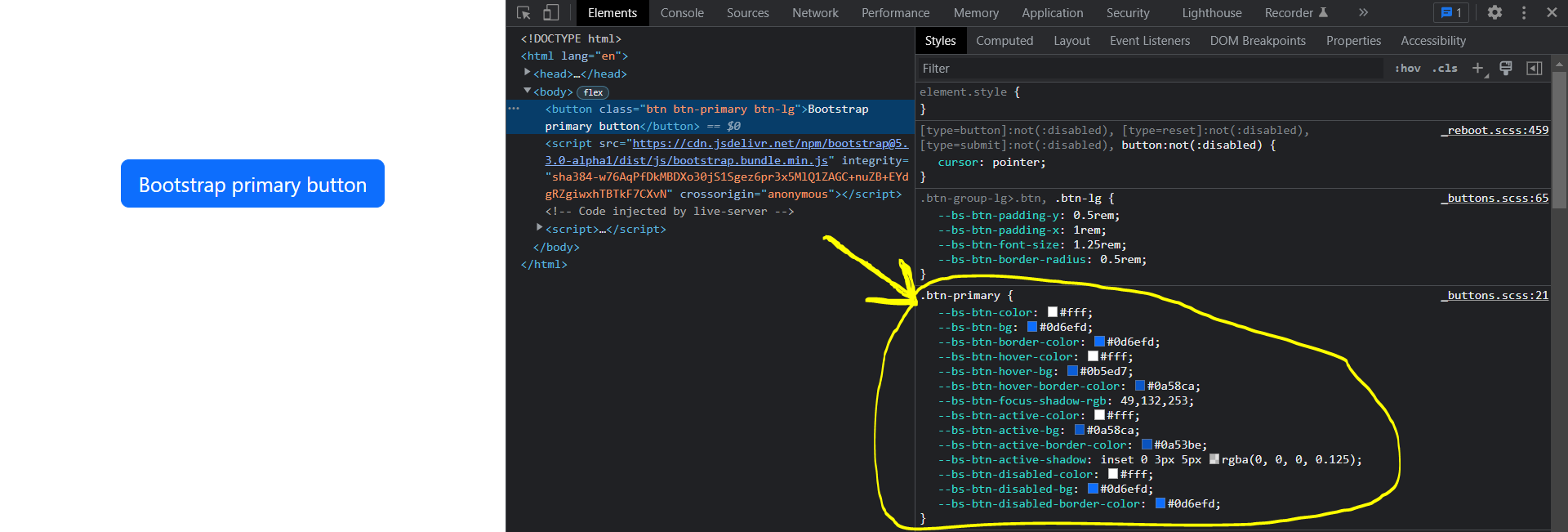
And anytime you make use of the .btn-primary class
<button class="btn btn-primary">Bootstrap Button</button>
You are to battle these predefined css codes 👇👇👇 too
You are confused 😯 right now and don't know what to do?

The next line of action is to use .btn-block class. You can do it or copy the below code.
<button class="btn btn-block"> Bootstrap Button </button>
After typing this code (above) this 👇👇 will be shown as an output
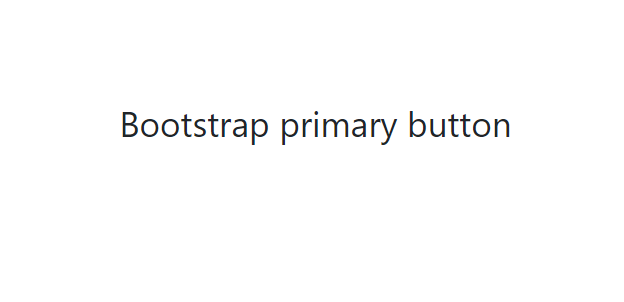
A button without a background color will be shown. And the available way to override it is using inline CSS, by doing that your css specificity will be greater than bootstrap's own
<!-- HTML CODE -->
<button class="btn btn-block" style="background-color:crimson;"> Bootstrap Button </button>
This 👇👇👇 will be your output:
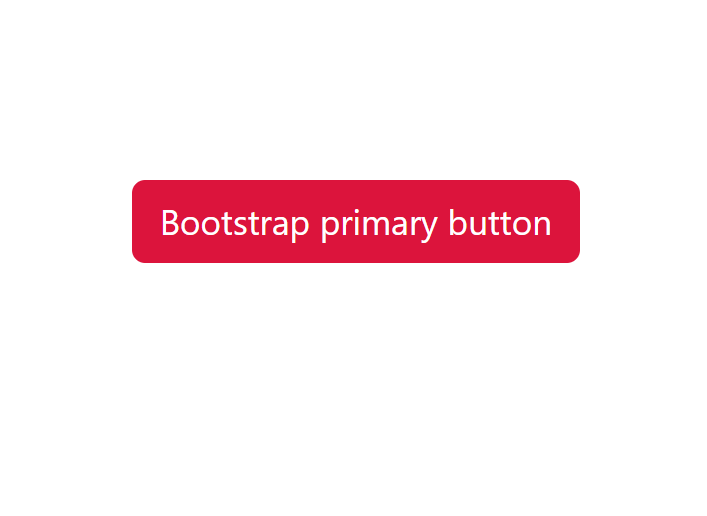
And Guess what? You are done overriding bootstrap predefined CSS code.
Link to live demo here

Thanks 🙏 for Reading till the end
I'm Ariyibi Baseet Adekunle
A frontend web developer who sometimes writes articles | I also do tech things.
Let's Connect
Twitter: ariyibibaseet_
Github: Ariyibi-Baseet
Linkedin: Ariyibi-Baseet
And don't forget to Follow, Share, and comment on your opinions
Critics are also welcomed
Thank you and let's meet in the next article


